HOW IT WORKS
How to get everyday life in order
Aulna is made so everyone at home sees the same thing. Here is what you need to get started, and answers to what people ask.
Get started in three steps
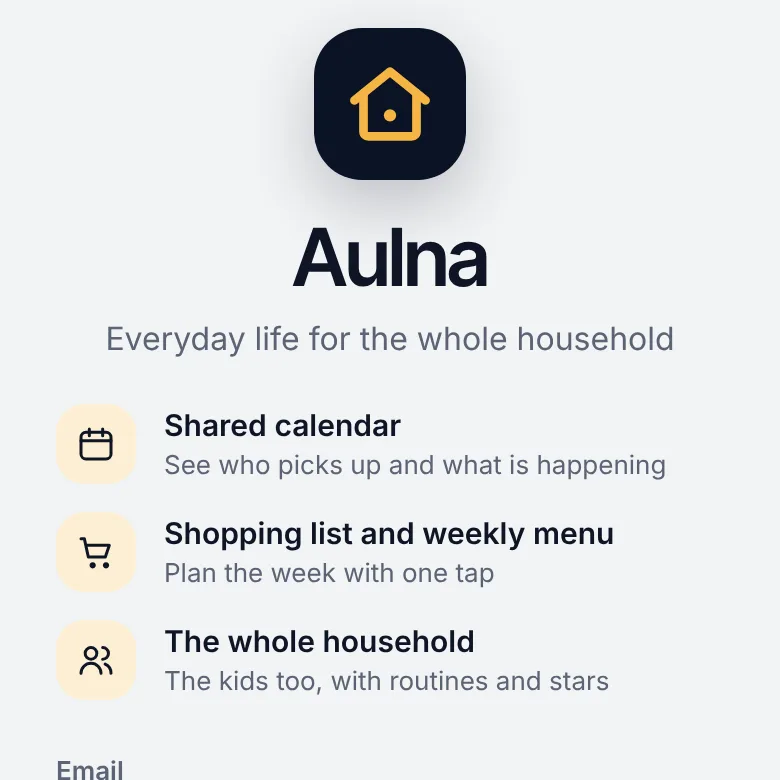
Sign in and create your household
Download Aulna and sign in with your email. You get a code, not a password. Then give your household a name.
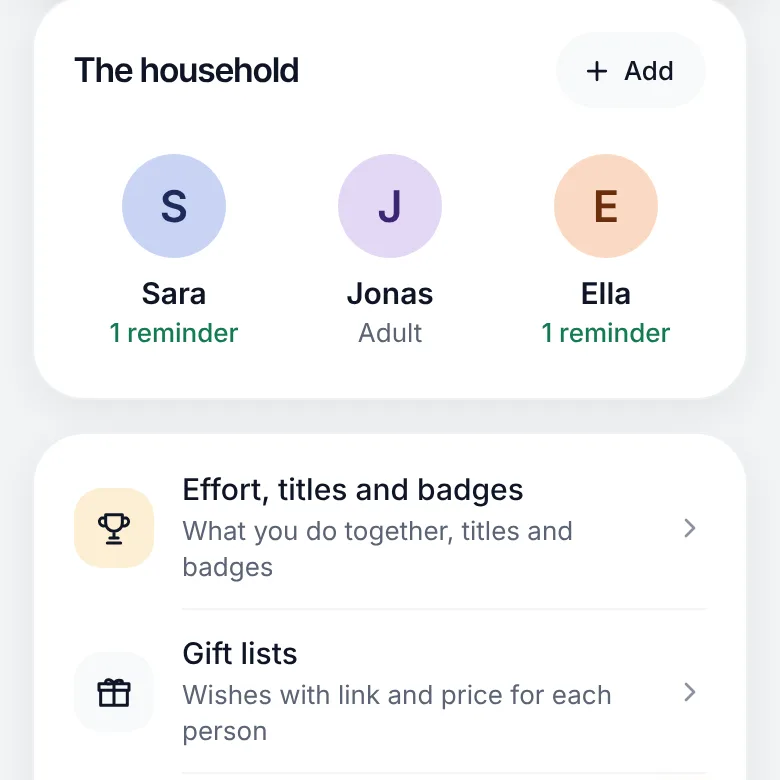
Bring in the others
Invite your partner by email under Home. You add the kids yourself, they don’t need an account.
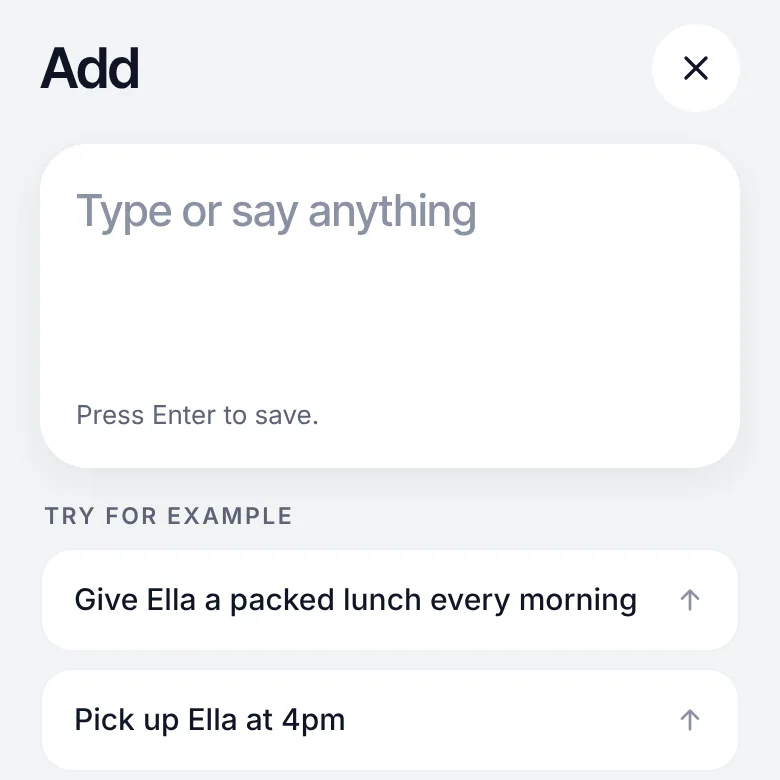
Add the first things
Tap the plus button and type or say anything, like “Pick up Ella at 4pm”. The Get started card on Today shows the rest.
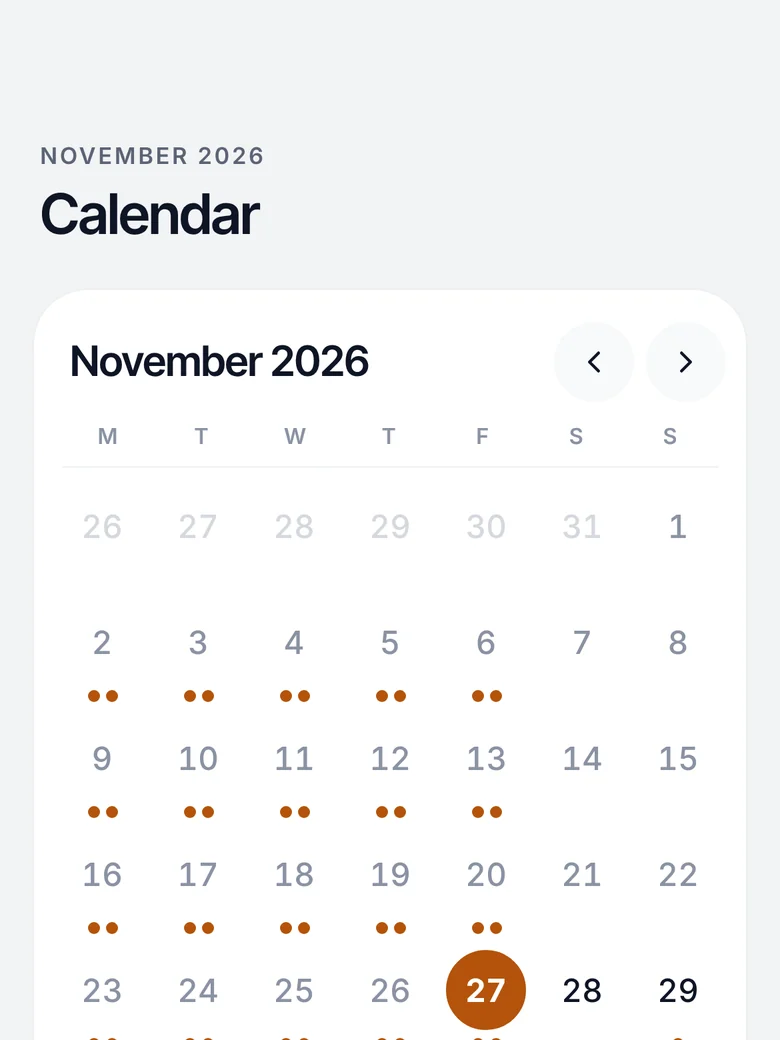
Tip: Connect the calendar on your phone under Calendar to see Google and work in Aulna.
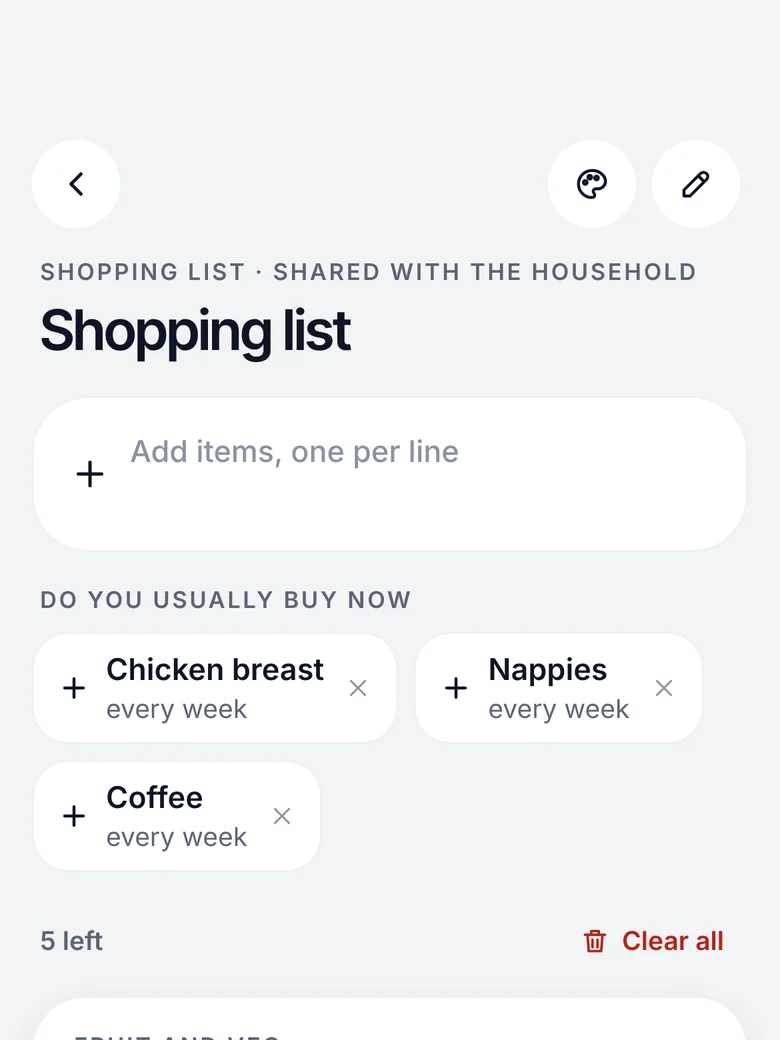
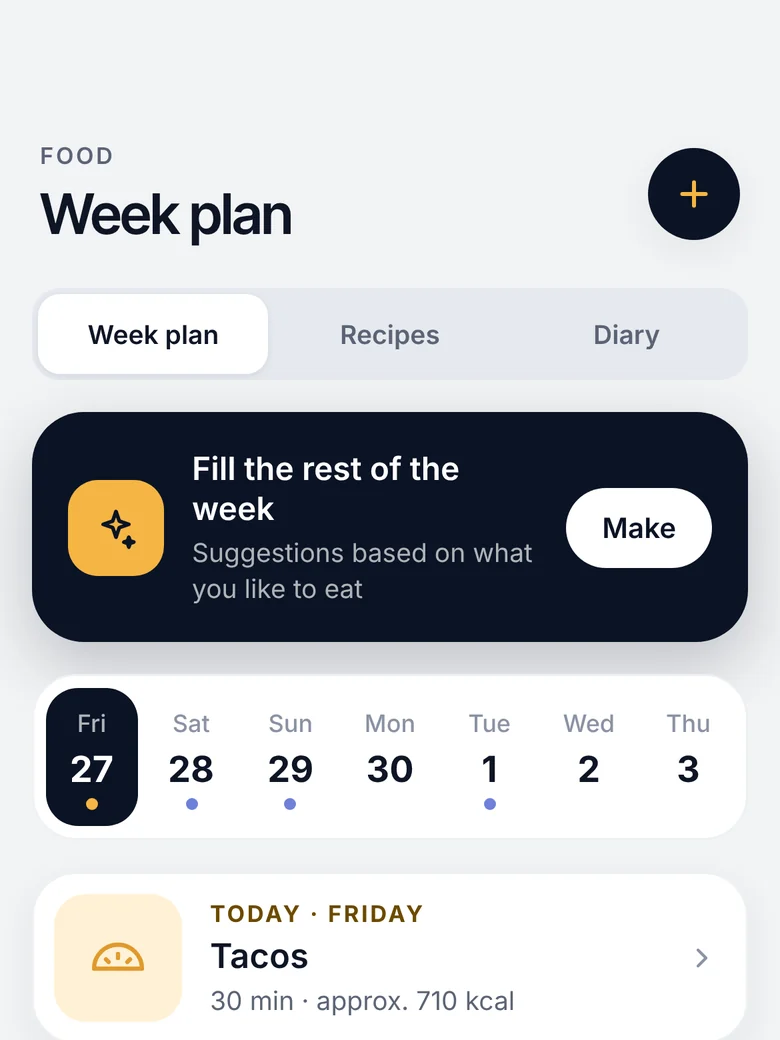
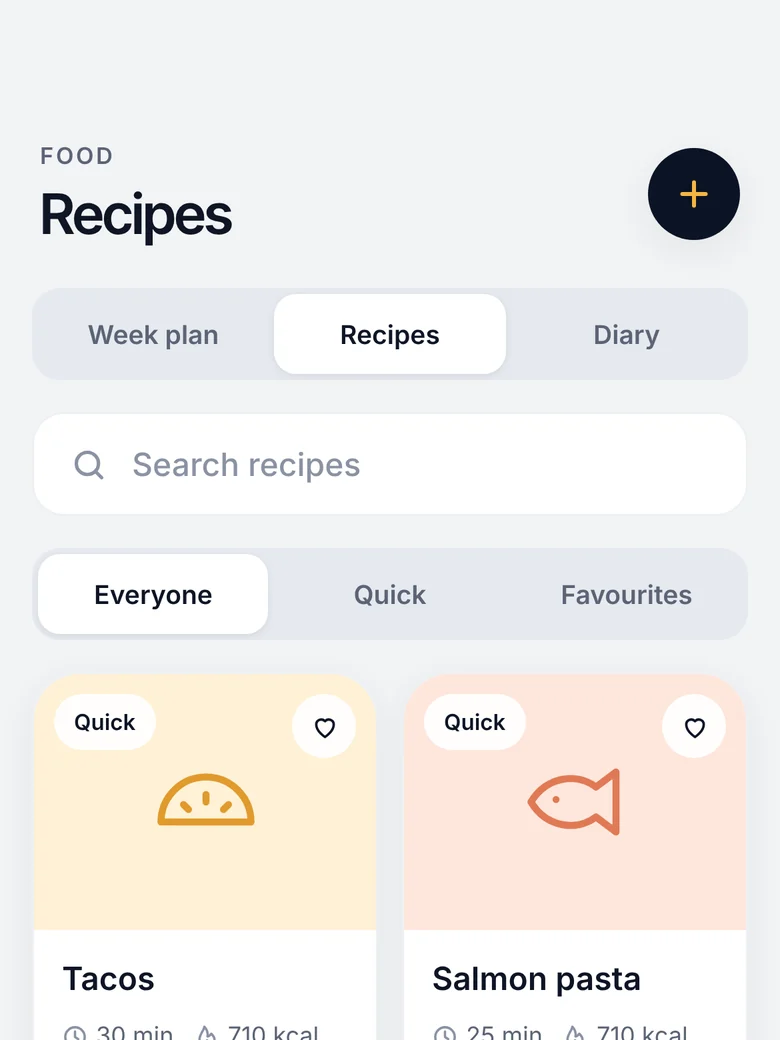
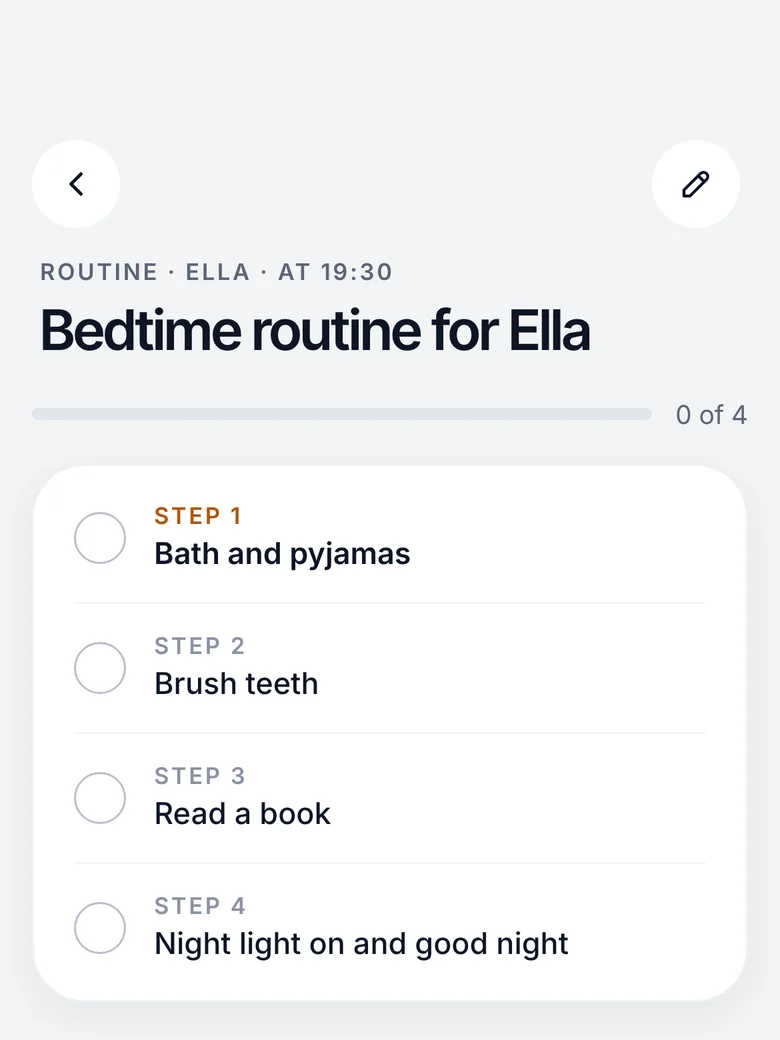
The features explained
Common questions
What does Aulna cost?
Aulna is free, with room for 50 recipes. Premium with AI and room for 500 recipes costs $4.99 a month or $44.99 a year, and you can try it free for 14 days. One subscription covers the whole household.
Where is the data stored?
On servers in Stockholm in the EU. Each household only sees its own data. Read more about privacy.
Can kids use the app?
Yes. Kids don’t need an account. Open kid mode on a parent’s phone and they see their own tasks and collect stars. You approve before the stars arrive.
Why can’t I see my partner’s private list?
Private lists are only for the person who made them. To share, create a list that is shared with the household.
Can I see my Google Calendar in Aulna?
Yes. Under Calendar, connect the calendar on your phone and Google, work and iCloud show up next to your Aulna events. They are never sent to us.
How do I change the language?
Under Home and Language. Aulna is available in Norwegian, English, Spanish and German.
How do I see the tips again?
Under Home, tap Show the tips again. Get started and the tips on each tab come back.
What happens when I delete my account?
Your login is deleted, and you remain as “Former member” for the others. How to delete your account.
Didn’t find the answer?
Write to us and we’ll reply as soon as we can. Aulna is coming soon to Google Play and the App Store.